Proximity Green
June 2026 · v1.0
Brand Assets & Usage

The asset library
& usage rules

Every dropped-in graphic, reviewed and categorised — with the rules for which to use where, on what background, and the three fixes needed before these become the official kit.

Review Summary

Strong, on-brand, and three fixes from official

The 7 assets share a consistent palette, wordmark structure, and editorial restraint that matches the brand's calm authority. They cover light, dark, square, wide, and story formats well. Before adopting them as the canonical kit, three consistency issues need resolving — each shown in context below.

1

Typography

All files render in Georgia / Helvetica, not Cormorant Garamond + Jost. Two name the brand fonts but list Georgia first. Fix: convert logo text to outlines so it's identical everywhere.

2

Green on dark

Three files set "Green" in Moss on Ink — dark-green-on-near-black, hard to read. Rule: on dark backgrounds, "Green" must be Sage #7aa882.

3

One mark — decided

The approved mark is the wordmark + sage dot. The vesica intersection icon is not approved and has been removed from all assets. Favicon/app-icon treatment is still to be decided.

The Library

Seven assets, categorised & status-tagged

Live previews below render the actual SVGs from this folder. Badges: Primary = recommended canonical asset · Approved = good to use · Needs fix = repair before use.

Horizontal lockup
ProxGreenSharedWide.svgPrimary

Horizontal lockup

450 × 100 · transparent
Use for: website header, email signature, document headers, deck footers — the everyday logo. Works on light or transparent backgrounds.
Convert text to outlines; confirm Cormorant/Jost rendering.
Square light lockup
ProxGreenWide.svgPrimary

Square lockup — light

800 × 800 · Ground #f4efe6
Use for: profile tiles, avatars, square social posts, app-store-style icons on light. The 1:1 master on Ground.
Wordmark sits low-centre — consider true optical centring; outline the text.
Dark banner with icon
gemini-svg.svgApproved · rename

Dark banner — wordmark + dot

1200 × 300 · Ink + radial glow
Use for: LinkedIn cover, website hero strip, presentation title bar. The most fully designed asset — correctly uses Sage "Green" on dark. Vesica icon removed; now wordmark + dot.
Tool-generated filename — rename to convention. Reference for the dark-background colour treatment.
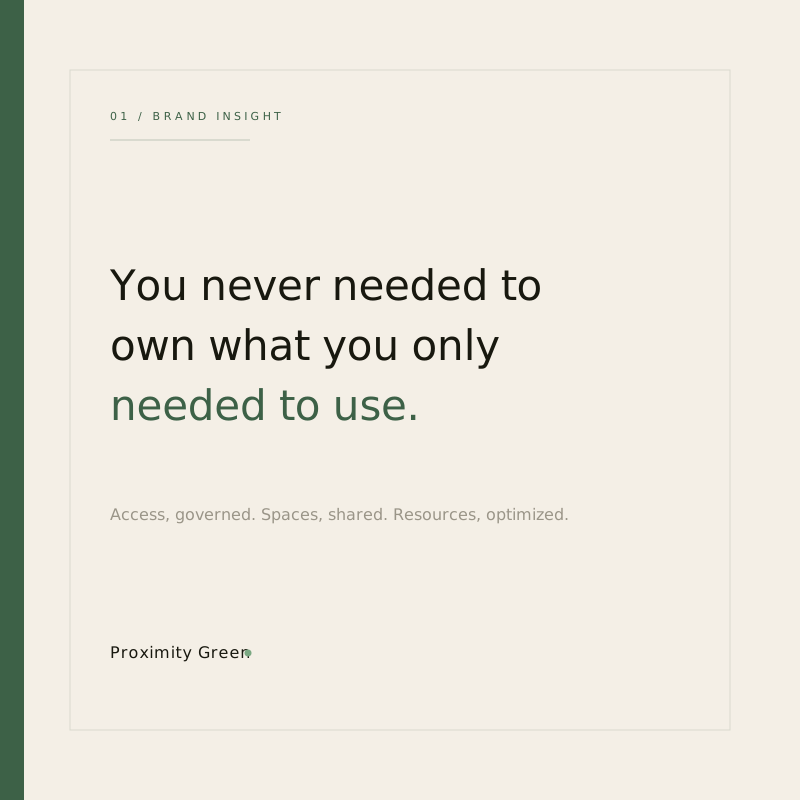
Light social insight card
Social2.svgApproved

Social insight card — light

800 × 800 · Ground + accent bar
Use for: LinkedIn quote/insight posts, carousel covers. A reusable campaign template — swap the "01 / Brand Insight" label and quote.
Vesica icon removed; signature is now wordmark + sage dot.
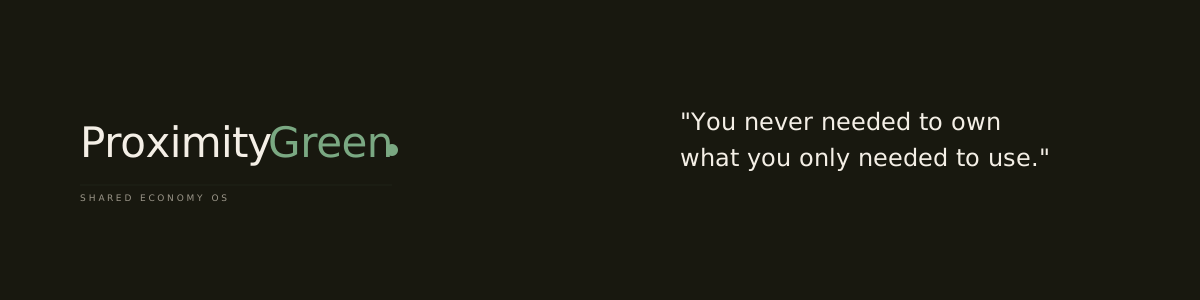
Dark wide tagline banner
ProxiimityWide4.svgNeeds fix

Wide tagline banner — dark

1200 × 300 · Ink · "own vs use" line
Use for: email banners, web hero strips, slide dividers carrying the "you never needed to own…" line.
Filename has a typo ("Proxiimity"). "Green" is Moss on Ink — switch to Sage for legibility.
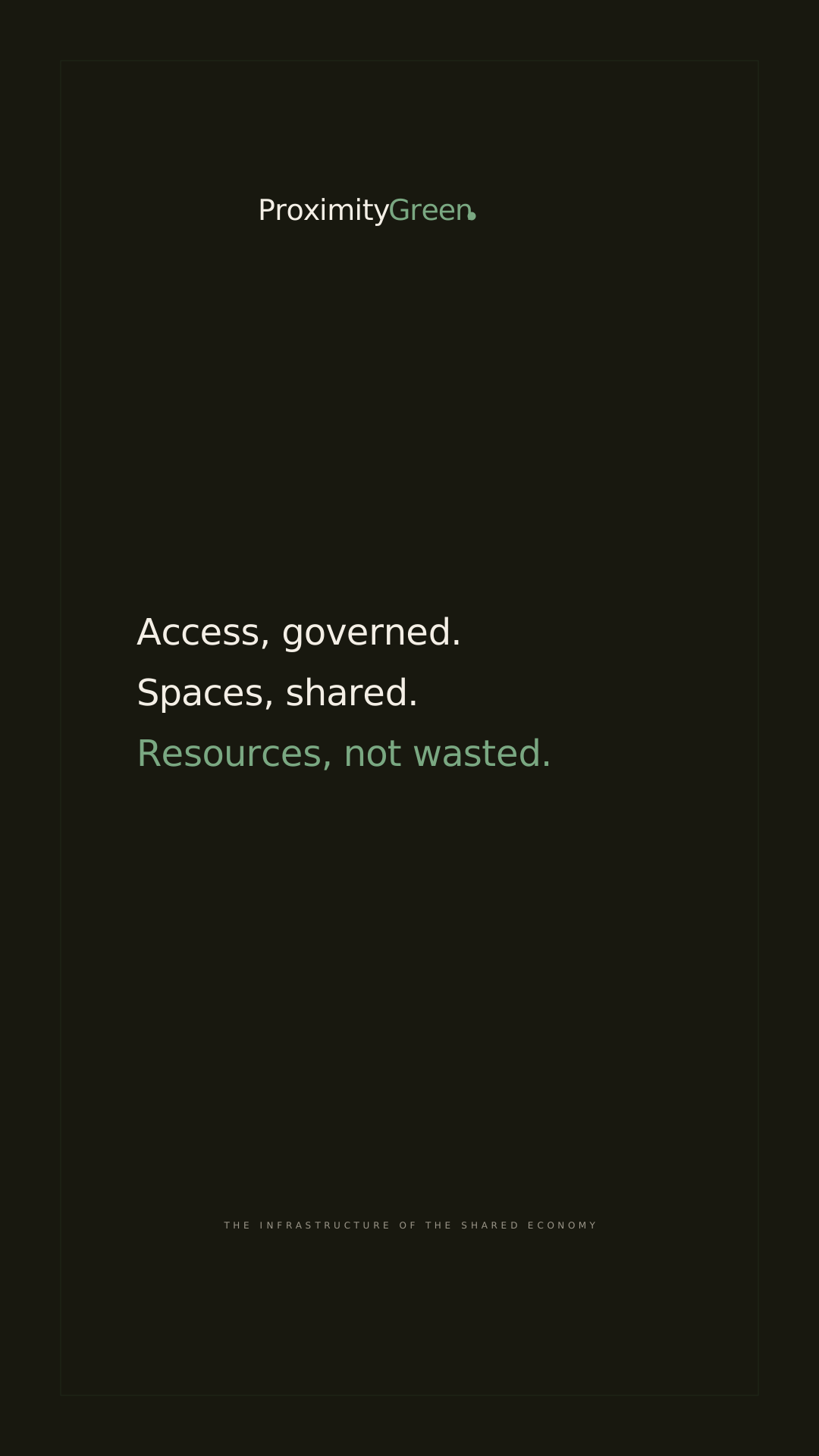
Dark story poster
ProxGreenSimpleDark.svgNeeds fix

Story / poster — dark (9:16)

1080 × 1920 · Ink · "Access, governed…"
Use for: Instagram/LinkedIn stories, vertical posters, screen displays.
Filename is misleading (this is the tall story, not a square). Wordmark "Green" and the "Resources, not wasted" line are Moss on Ink — switch to Sage.
Dark quote tile
ProximityGreenDarkWide.svgFixed ✓

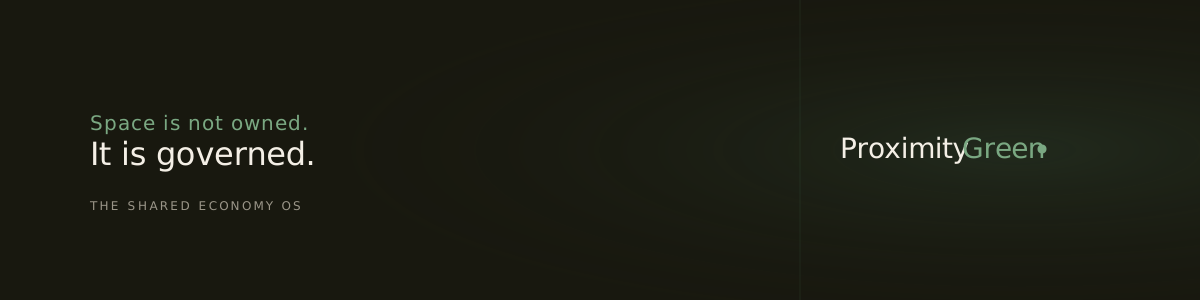
Quote tile — dark (square)

800 × 800 · Ink · "Space is not owned…"
Use for: dark square social posts, quote cards.
Corrected — "Green" switched Moss → Sage and brand fonts set first. Note: filename says "Wide" but it is a square.
Usage Rules

How the logo behaves

Colour on background — the key rule

"Green" in the wordmark changes colour by background. On light, use Moss. On dark, use Sage — Moss on Ink fails legibility (this is fix #2).

Proximity Green✓ Sage on dark — correct
Proximity Green✕ Moss on dark — too low contrast
Clear space

Give it room

Keep clear space around the lockup equal to the cap-height of the "P" on all sides. Never crowd the wordmark with other type, edges, or imagery.

Minimum size

Stay legible

  • Horizontal lockup: min 140px wide on screen / 30mm print
  • Below that, drop the "Shared Economy OS" baseline
  • No standalone icon yet — keep the wordmark legible at small sizes
The mark system

Wordmark + sage dot

  • Approved: the wordmark with the sage dot after "Green"
  • The vesica intersection icon is not approved — do not use
  • Favicon / app-icon treatment: to be decided (no standalone icon yet)
Misuse — don't

Protect the mark

  • Don't recolour "Green" to anything but Moss/Sage
  • Don't stretch, rotate, or add shadows/gradients to the wordmark
  • Don't set it in a non-brand font (current Georgia render is the bug, not the rule)
  • Don't place on busy imagery without a solid Ink/Ground panel

Typography — the fonts behind the wordmark

Fix #1 — outline the type The wordmark must be Cormorant Garamond (display) with the descriptor in Jost. SVGs currently fall back to Georgia. For distributable logo files, convert text to outlines/paths so the shape is locked and font-independent. For inline web SVG, load the Google Fonts (as the brand HTML docs do) and list Cormorant/Jost first in the font stack.
Asset Hygiene

A naming convention for the kit

Current names are inconsistent (mixed prefixes, a typo, a tool-generated name). A predictable scheme makes the library usable: proximity-green-[type]-[format]-[bg].svg

CurrentRecommendedType
ProxGreenSharedWide.svgproximity-green-logo-horizontal.svgLogo
ProxGreenWide.svgproximity-green-logo-square-light.svgLogo
gemini-svg.svgproximity-green-banner-dark.svgBanner
Social2.svgproximity-green-social-insight-light.svgTemplate
ProxiimityWide4.svgproximity-green-banner-tagline-dark.svgBanner (1200×300)
ProxGreenSimpleDark.svgproximity-green-story-dark.svgSocial (1080×1920)
ProximityGreenDarkWide.svgproximity-green-quote-square-dark.svgSocial (800×800)
Selection

What to use now, what to fix first

Use now (the core kit)

  • Horizontal lockup ProxGreenSharedWide.svg — everyday logo
  • Square light ProxGreenWide.svg — profile / avatar
  • Dark banner w/ icon gemini-svg.svg — LinkedIn cover (rename)
  • Social insight card Social2.svg — LinkedIn posts
  • Quote tile (dark square) ProximityGreenDarkWide.svg — just corrected ✓

Fix before use

  • Wide tagline banner ProxiimityWide4.svg — Sage "Green" + fix typo
  • Story poster ProxGreenSimpleDark.svg — Sage "Green" + "Resources" line
  • Rename all to match contents (3 filenames currently mislabel their format)
  • All files — outline type to Cormorant/Jost
Recommended next step Approve the four "use now" assets as the launch kit so the LinkedIn land-grab can proceed immediately. In parallel, I can produce corrected versions of all seven — Sage-on-dark, outlined Cormorant/Jost type, consistent mark, renamed to convention — so the full library is canonical.

A brand is consistency made visible. Same wordmark, same greens, same room to breathe — every time.